
Directory Add Users
Before starting, ensure that your Schema is created because it defines the required user fields. Without schema, user creation is not allowed.
Who Should Be Added Here?
If you are using Access Restriction features, you must add users in a separate directory created specifically for this purpose.
Only users in this directory can be controlled by access restriction rules.
How to Add Users
There are two ways to add users:
- Add a single user manually
- Bulk upload users using a CSV file
Add a Single User
To add one user at a time:
Go to Settings → Directory → Users
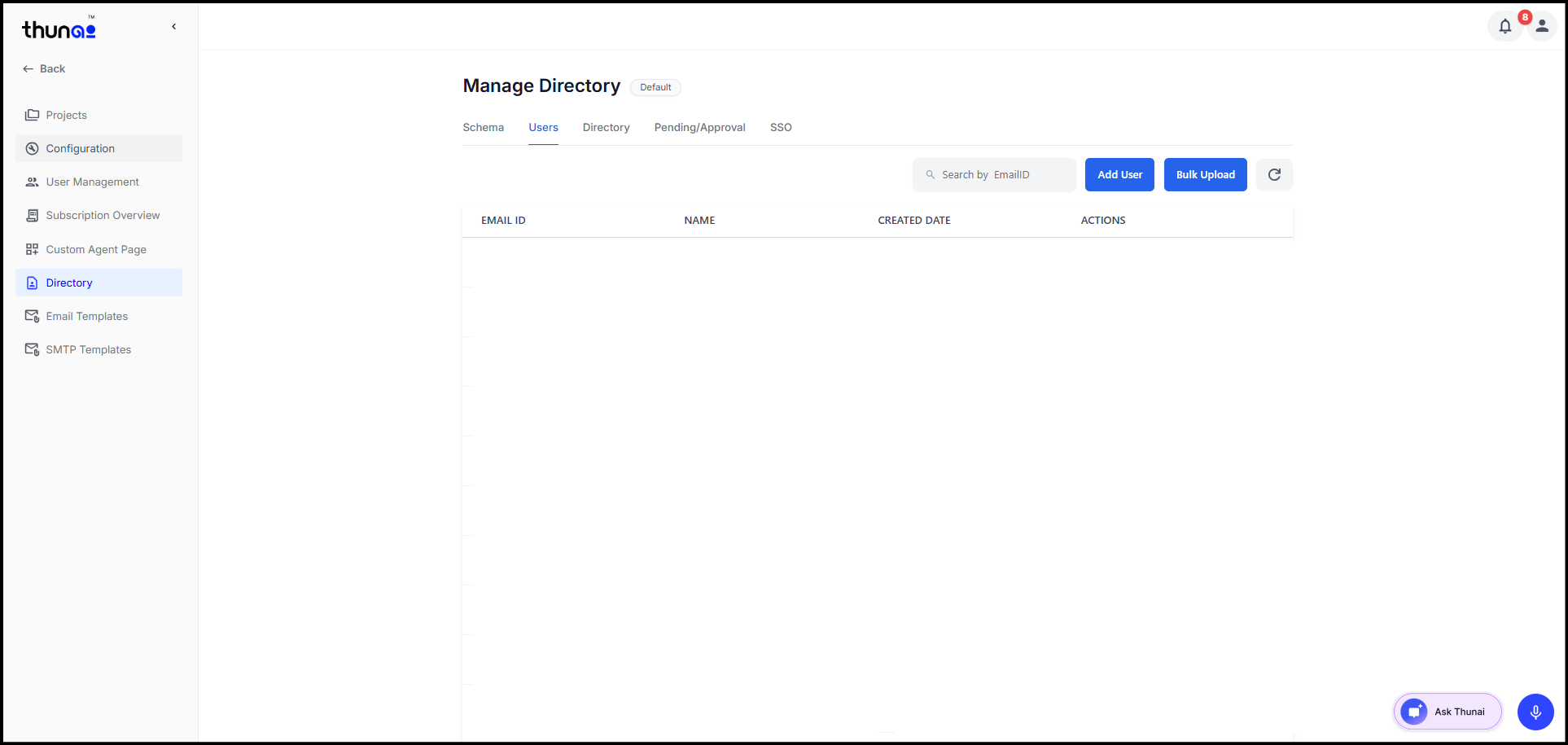
Click Add User
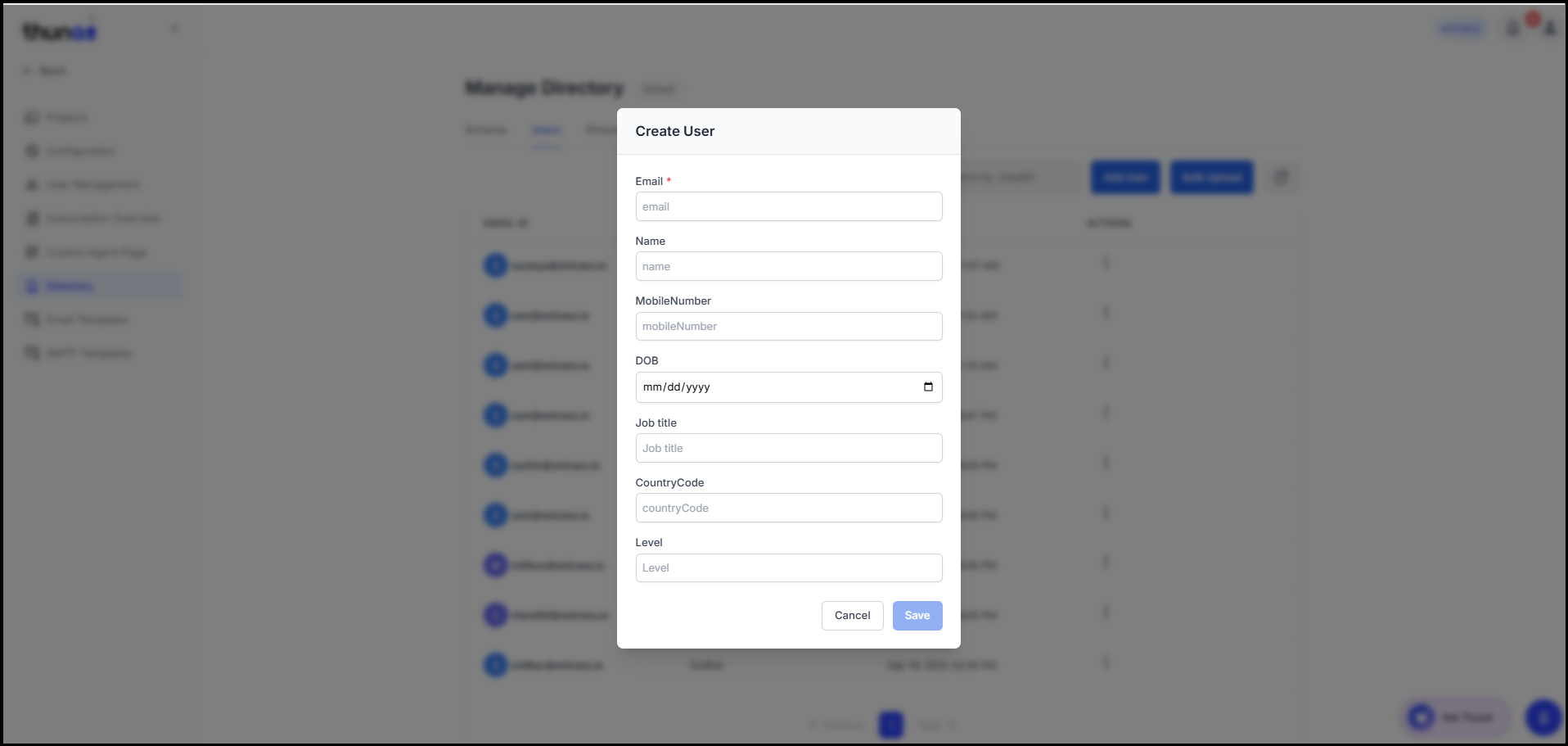
Fill out the form according to your Schema fields
Click Save
Tip:
If your schema includes a field such as Access Level, you can use it later to define conditions for access restriction.
Bulk Upload Users
To upload multiple users at once:
Click Bulk Upload
Download the CSV Template
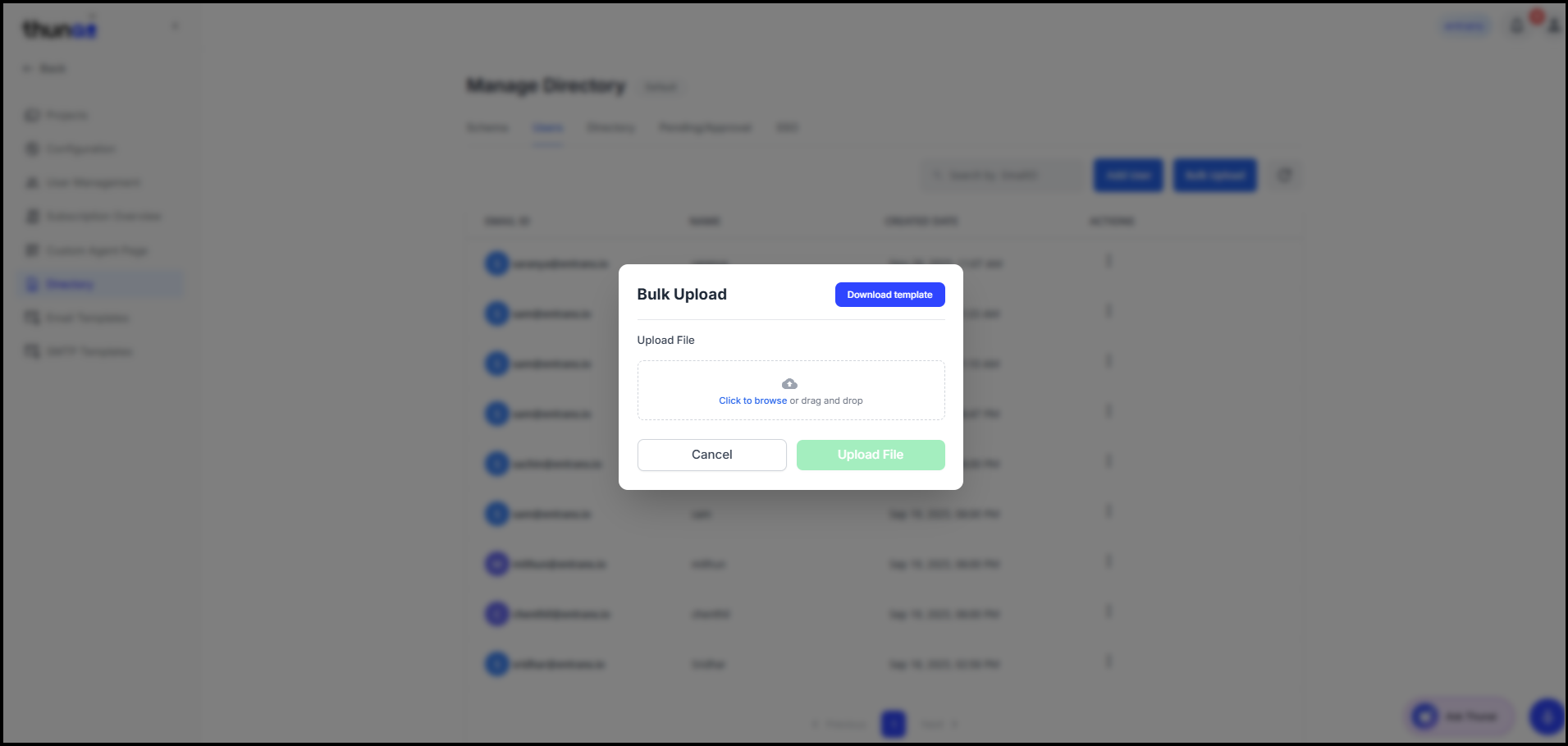
Enter user details based on Schema fields
Upload the completed file
Review and validate the data
Click Upload to import all users into the Directory
We recommend checking the data carefully during validation to avoid processing errors.